



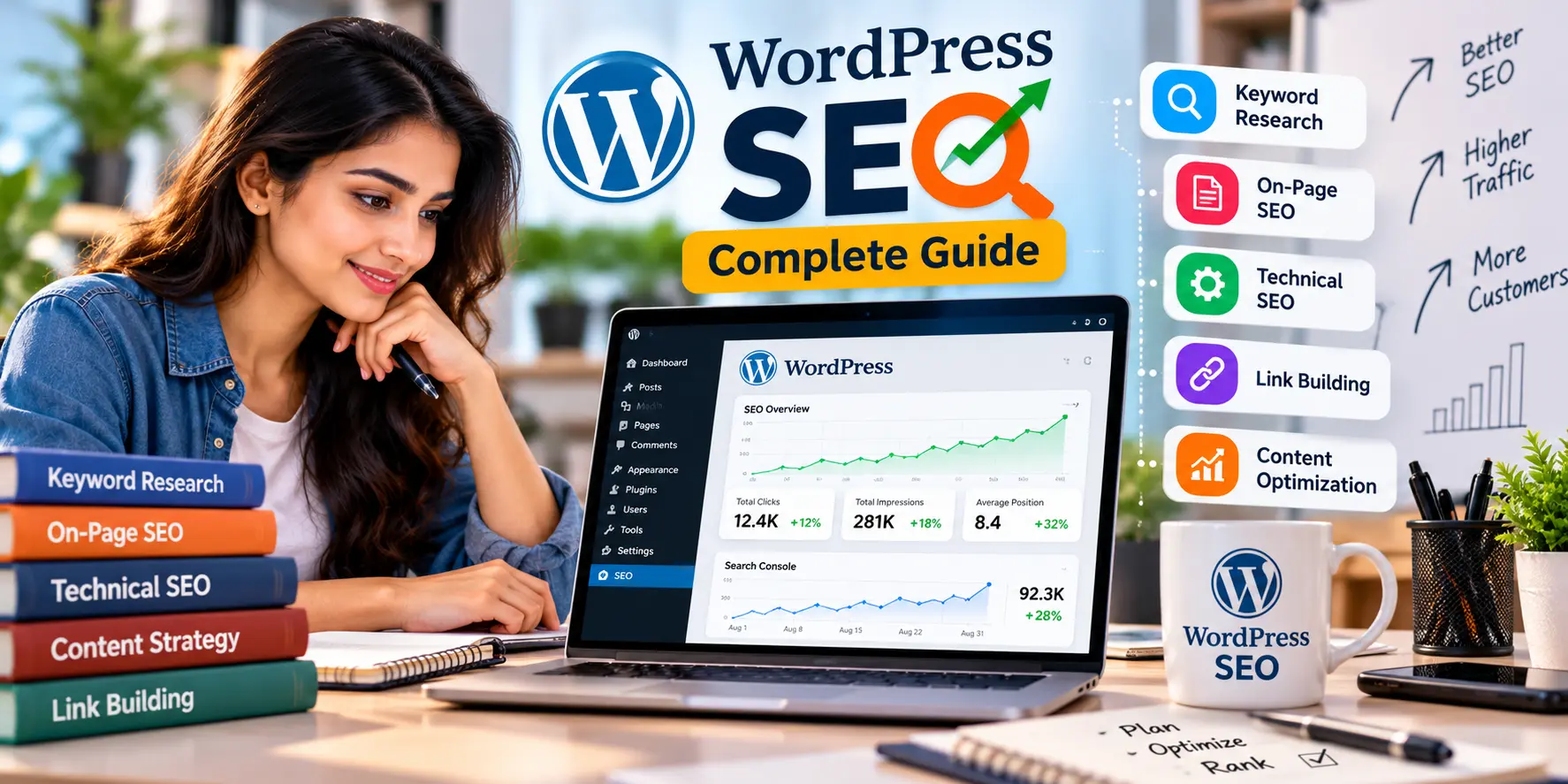
What is WordPress SEO?
WordPress SEO is the process of optimizing a WordPress website to improve its visibility in search engine results. It involves a combination of Technical SEO (site speed, mobile optimization), Content Marketing (keyword relevance, E-E-A-T), and using specific plugins to handle metadata and Schema Markup to help search engines crawl and index the site effectively.
Quick Answer Box:
To master WordPress SEO in 2025, you must focus on three core areas:
- Performance: Satisfying Core Web Vitals through fast Web Hosting.
- Structure: Using WordPress Development best practices for a Responsive Website.
- AI Readiness: Optimizing for GEO and AI SEO to capture visibility in Google AI Overviews.
Related Guides
Table of Contents
- Introduction: Why WordPress for SEO?
- Why WordPress SEO Matters in 2025
- Foundational Settings: Starting the Right Way
- Best SEO Plugins: Choosing Your Stack
- Technical SEO for WordPress: The Engine Under the Hood
- On-Page SEO & Content Marketing Strategy
- Advanced GEO & AI Search Optimization
- Common Mistakes to Avoid
- Expert Tips for Competitive Industries
- Comparison Tables: WordPress vs. Others
- WordPress SEO Checklist
- FAQs (Schema-Ready)
- Conclusion & Next Steps
1. Introduction: Why WordPress for SEO?
WordPress powers over 43% of the internet for a simple reason: it is inherently SEO-friendly. However, out-of-the-box settings are just the beginning. To truly succeed in Digital Marketing, you need a comprehensive WordPress SEO strategy that bridges the gap between basic Website Design and high-level AI SEO.
At Digital4learn, we believe that your website is your digital storefront. Whether you are running an Ecommerce Website or a local blog, this guide will show you how to leverage WordPress Development to build a site that search engines—and users—love.
2. Why WordPress SEO Matters in 2025
The search landscape is shifting toward conversational AI. With the introduction of Google AI Overviews, Gemini, and ChatGPT Search, search engines no longer just look for keywords; they look for authoritative “Entities.” A well-optimized WordPress site serves as a structured database that AI models can easily parse, summarize, and cite.
Without a sound Technical SEO foundation, your content won’t be picked up for Voice Search or AI summaries, leading to a significant loss in Lead Generation.
3. Comparison Tables: Understanding the Landscape
WordPress vs. Traditional HTML Sites
| Feature | WordPress Development | Traditional HTML/Static |
|---|---|---|
| Ease of SEO | Extremely High (via Plugins) | Low (Manual Coding) |
| Speed | Variable (Requires optimization) | Extremely High |
| Schema Markup | Automated/Easy | Manual |
| Scalability | High for Content Marketing | Hard to maintain |
Local SEO vs. International SEO on WordPress
| Aspect | Local SEO Focus | International SEO Focus |
|---|---|---|
| Key Tool | Google Business Profile | Hreflang Tags & CDN |
| Goal | Foot traffic & local leads | Global brand awareness |
| Content | Geo-specific landing pages | Multi-lingual translations |
4. Technical SEO for WordPress: The Engine Under the Hood
Technical excellence is the baseline for AI SEO.
- Web Hosting: Never settle for cheap shared hosting. Fast Website Speed starts with a quality server.
- Core Web Vitals: Google prioritizes sites that load quickly and are stable. Optimize your LCP, FID, and CLS scores.
- Website Security: Search engines penalize insecure sites. Ensure you have an active SSL certificate and regular backups.
- XML Sitemaps: WordPress generates these automatically, but you must submit them to Google Search Console for proper Indexing.
5. Advanced GEO & AI Search Optimization
GEO (Generative Engine Optimization) is the new frontier. To rank in AI answers:
- Direct Answer Strategy: Structure your content to answer “Who, What, Where, When, Why” in the first paragraph.
- Semantic SEO: Use related terms naturally. If you write about WordPress SEO, naturally mention Domain Registration, Web Hosting, and UX Design.
- Schema Markup: Use JSON-LD to tell AI exactly what your business is. It’s the “cheat sheet” for bots.
6. Real Business Examples
- Ecommerce Brand: A startup used WordPress Development with WooCommerce to launch an Ecommerce Website. By focusing on Conversion Rate Optimization and technical site health, they outranked legacy competitors in 6 months.
- Local Law Firm: By optimizing their Local SEO through a Responsive Website and a clean Google Business Profile, this firm saw a 300% increase in phone calls via mobile search.
- Tech Startup: Used a deep Content Marketing strategy to build Topical Authority, resulting in their blog being cited by Perplexity AI as a primary resource.
7. Expert Tips: From the Strategy Room
- The “Fluff” Filter: AI search engines love concise facts. Avoid long-winded introductions.
- Mobile SEO is Everything: Over 60% of searches are mobile. If your UI Design fails on a smartphone, you lose the ranking.
- Optimize Images: Use WebP formats. Large images are the #1 killer of Website Speed.
- Branding Matters: Google tracks brand mentions across the web. Use Social Media Marketing to build an “Entity” presence that signals authority to search engines.
8. Common Mistakes to Avoid
- Ignoring Permalinks: Using
/p=123instead of/wordpress-seo-guide/. - Plugin Overload: Too many plugins will destroy your Website Speed.
- Blocking Indexing: Forgetting to uncheck “Discourage search engines” after development.
- Poor UX Design: If users can’t navigate your site, they bounce—and Google notices.
9. Actionable WordPress SEO Checklist
- Technical: Verify SSL and HTTPS for Website Security.
- Performance: Test Core Web Vitals on PageSpeed Insights.
- Content: Add Schema Markup (FAQ, Article, Product).
- Visibility: Submit XML Sitemap to Google Search Console.
- Local: Connect and optimize your Google Business Profile.
- Social: Integrate Social Media Marketing sharing buttons.
- Conversion: Implement Lead Generation forms with clear CTAs.
10. FAQ Section (Schema-Ready)
Q1: Is WordPress good for SEO?
Yes, WordPress is widely considered the best CMS for SEO. Its code is clean, and its architecture is designed for easy Indexing. When combined with professional WordPress Development and SEO plugins, it provides the perfect foundation for both traditional and AI SEO strategies.
Q2: Which is the best WordPress SEO plugin?
The “best” plugin depends on your needs, but Rank Math and Yoast SEO are the industry leaders. They help manage Technical SEO tasks like Schema Markup, meta tags, and breadcrumbs without requiring advanced coding skills.
Q3: How do I improve my WordPress website speed?
To improve Website Speed, use high-quality Web Hosting, implement a caching plugin, optimize images (using WebP), and minimize CSS/JS. Satisfying Core Web Vitals is crucial for ranking in 2025.
Q4: What is Technical SEO in WordPress?
Technical SEO for WordPress involves optimizing the backend to help search engines crawl and index your site. This includes fixing broken links, optimizing Crawl Budget, ensuring Website Security, and making the site a Responsive Website for mobile users.
Q5: How does AI impact WordPress SEO?
AI impacts search through GEO (Generative Engine Optimization). WordPress users must now optimize for AI Search by providing structured, factual content that AI assistants like Gemini and ChatGPT can easily summarize and cite.
Q6: Does WordPress help with Local SEO?
Absolutely. Through localized landing pages, proper Schema Markup, and integration with your Google Business Profile, WordPress makes it easy for small businesses to dominate local search results.
Q7: Should I use a dedicated theme for SEO?
Yes. Choosing a lightweight, SEO-friendly theme is critical. Heavy themes with too many features can slow down your Website Speed, hurting your UX Design and your organic rankings.
Q8: What is Schema Markup in WordPress?
Schema Markup is a form of structured data you add to your site to help search engines understand your content. In WordPress, this can be automated with plugins to show rich snippets like star ratings, prices, and FAQs in the search results.
Q9: How do I optimize WordPress images?
Use an image compression plugin to reduce file sizes without losing quality. Also, ensure you use descriptive “Alt Text” for every image to help with Mobile SEO and accessibility.
Q10: Can I run Google Ads to a WordPress site?
Yes. WordPress is excellent for PPC Advertising. By creating fast-loading, high-converting landing pages through WordPress Development, you can improve your Ad Quality Score and lower your cost-per-lead.
Q11: What is Conversion Rate Optimization (CRO)?
CRO is the process of increasing the percentage of visitors who take an action (like filling out a form). In WordPress, this involves testing different Website Designs, call-to-actions, and ensuring the UX Design is seamless.
Q12: Is Website Security a ranking factor?
Yes. Google prioritizes secure websites. If your WordPress site isn’t using HTTPS (SSL), it will be flagged as “Not Secure,” which kills user trust and decreases your Branding authority.
Q13: How does Content Marketing fit into WordPress?
WordPress was originally a blogging platform, making it the king of Content Marketing. By regularly publishing high-quality, human-centric articles, you build Topical Authority and earn backlinks naturally.
Q14: How often should I update my WordPress site?
Regularly! Updating your core software, themes, and plugins is vital for Website Security and performance. Old code can slow down your site and create vulnerabilities.
Q15: How can a Digital Marketing Agency help with WordPress SEO?
An agency like Digital4learn provides the technical expertise and strategic vision needed to win. We handle everything from Advanced Technical SEO and Website Development to Google Ads Management, ensuring your site grows profitably.
11. Conclusion: Partner with Digital4learn
The search landscape is changing, but the power of a well-optimized WordPress site remains constant. By following this WordPress SEO Guide, you are not just building a website; you are building a growth engine for your business.
Ready to lead the search results?
At Digital4learn, we don’t just “do SEO”—we dominate it. Whether you need a brand new Responsive Website, expert SEO Services, or a future-proof AI SEO strategy, our team of senior strategists is ready to deliver.
[Contact Digital4learn today for a Free SEO Audit and start your journey to #1!]